Today,
at a glance.
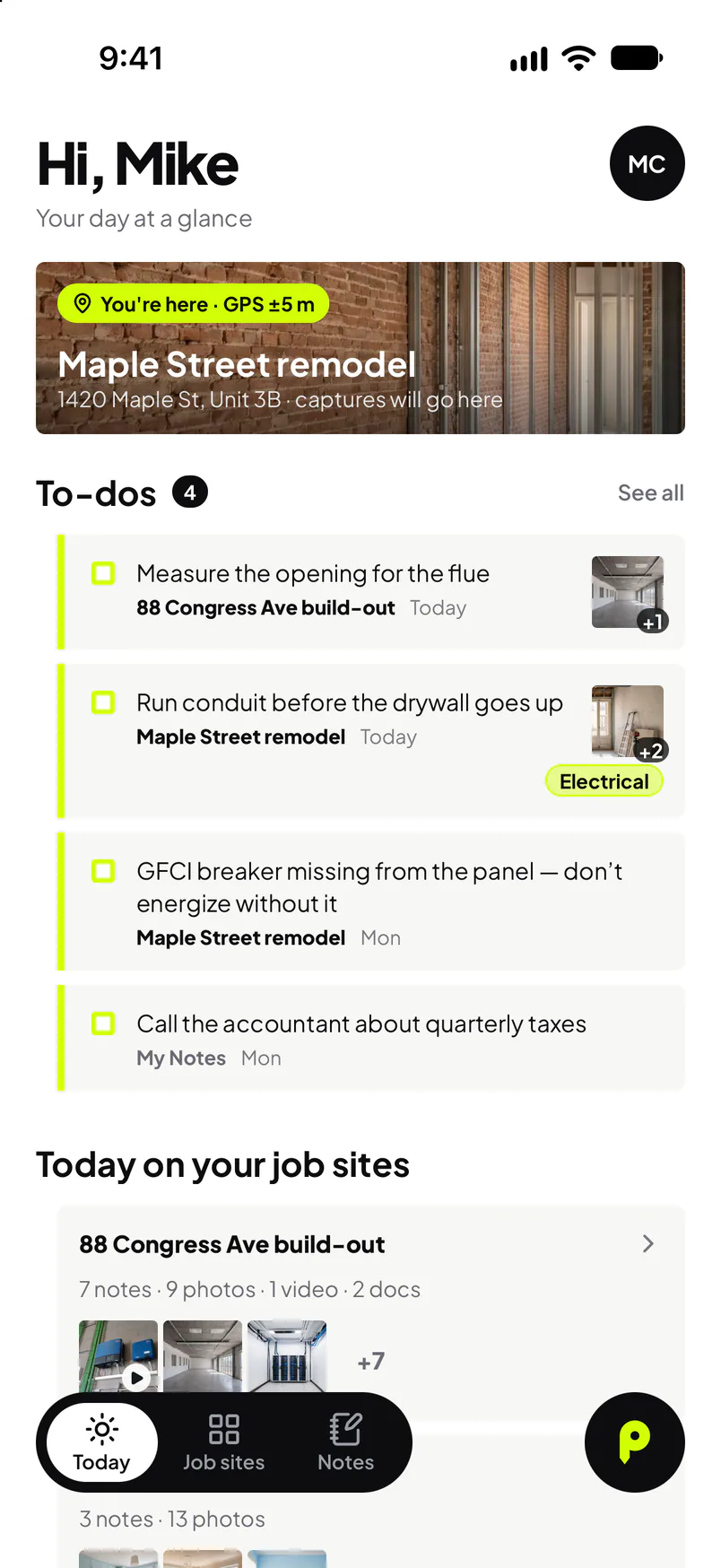
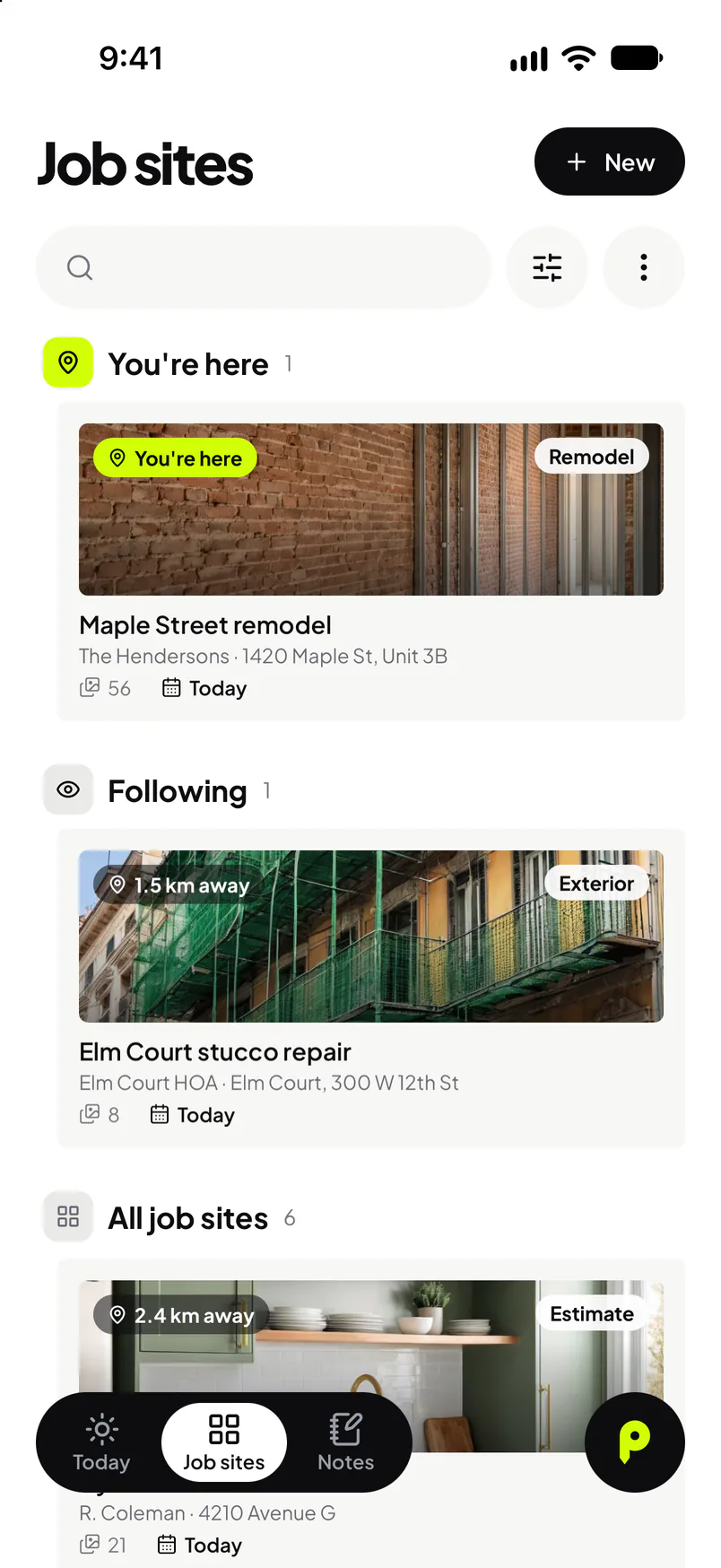
The job site you're on, your to-dos and what you've done today. The moment you open the app.
 obrapin
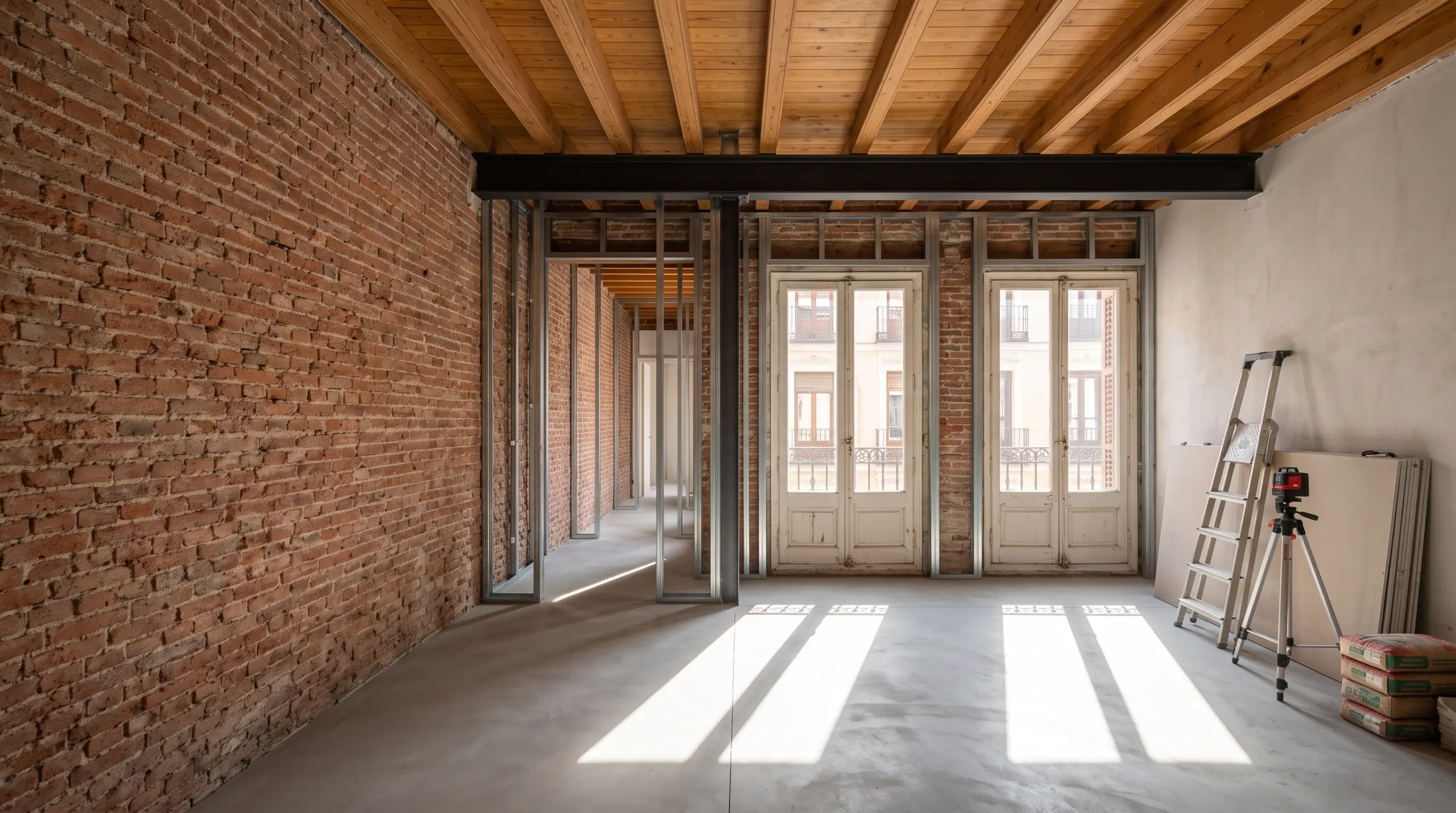


GPS tells obrapin which job site you're on, and it saves every photo, video, document and note right there. No folders, and never mixed in with your personal photos.
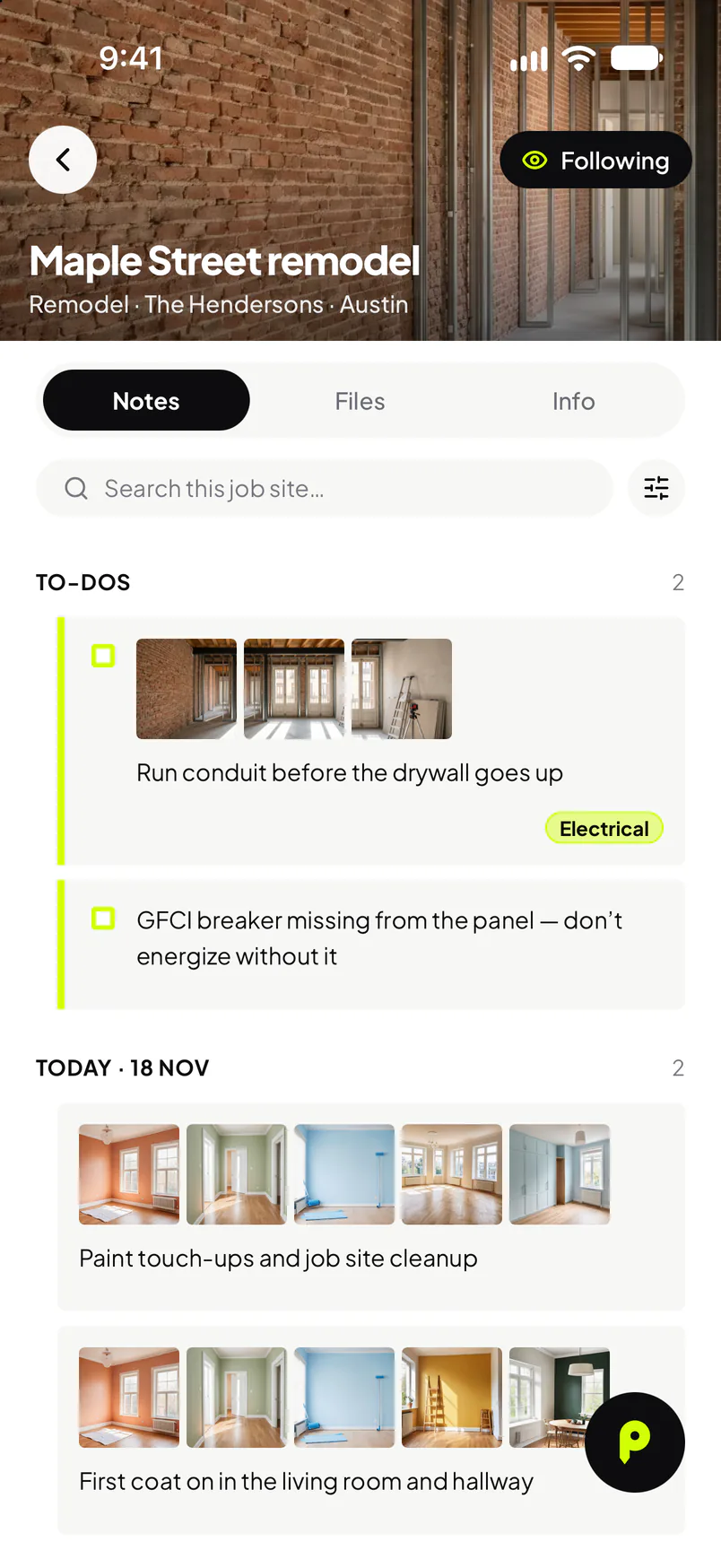
It recognizes the job site by GPS. You pull out your phone, shoot and get on with your work.
Photos, videos, scanned documents and PDFs, plus what needs doing, typed or dictated. And it stays on its job site, with the date and time.
You end the month with a full phone and no sign of the photo they're asking for: it's buried among the dog, the paella and three other jobs.
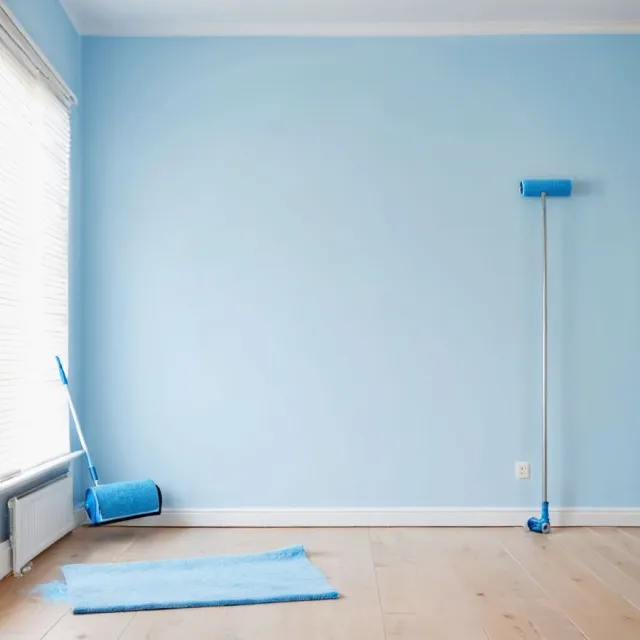
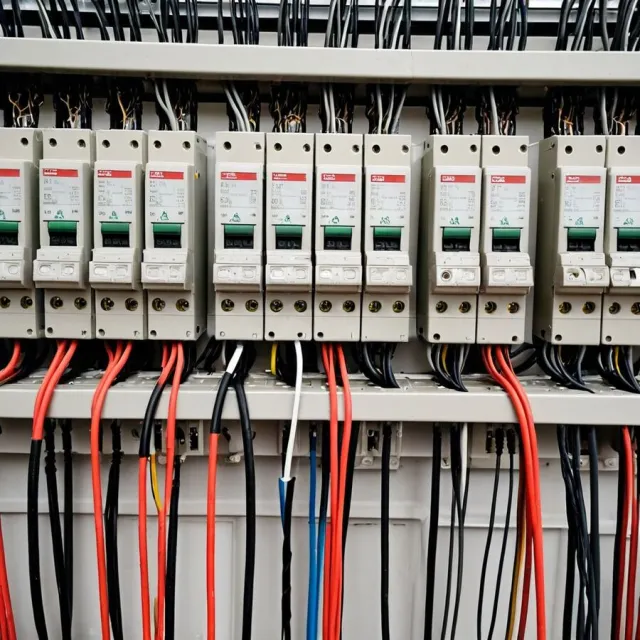
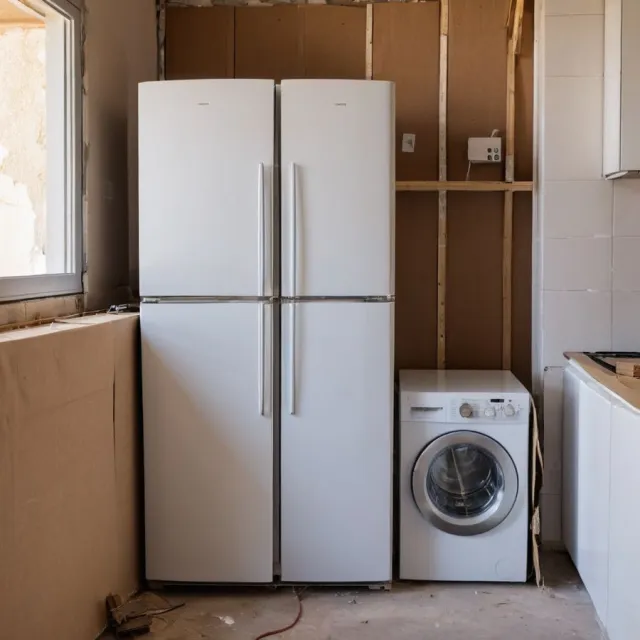
Maple Street remodelThe Hendersons · Austin

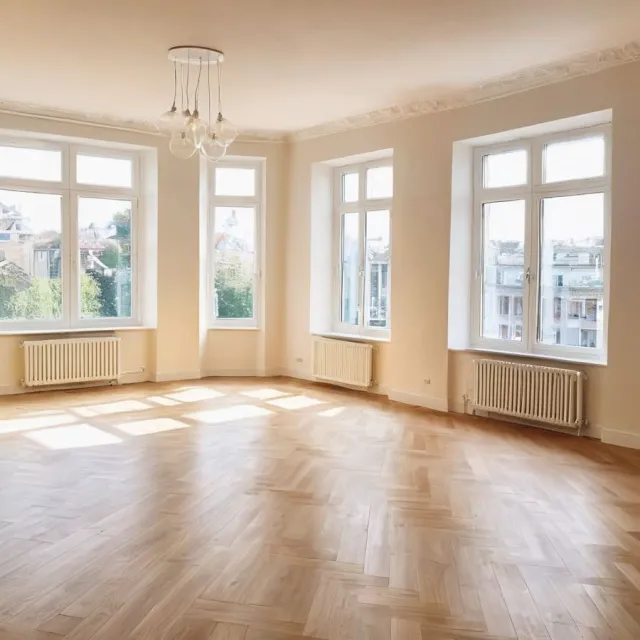


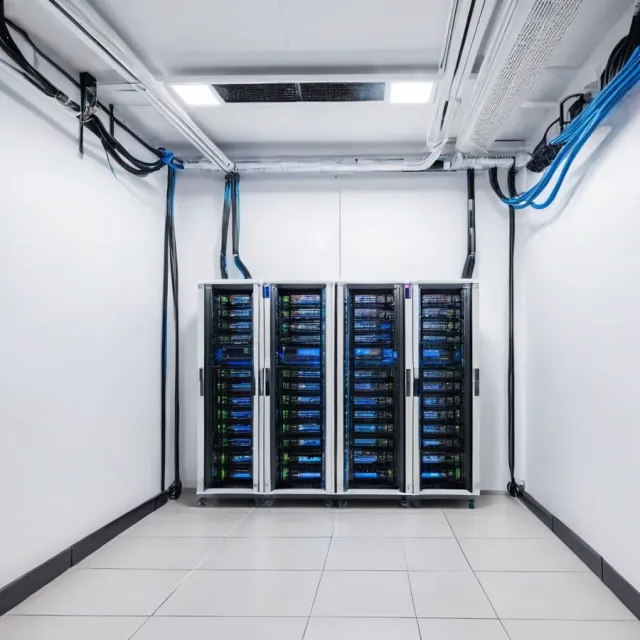
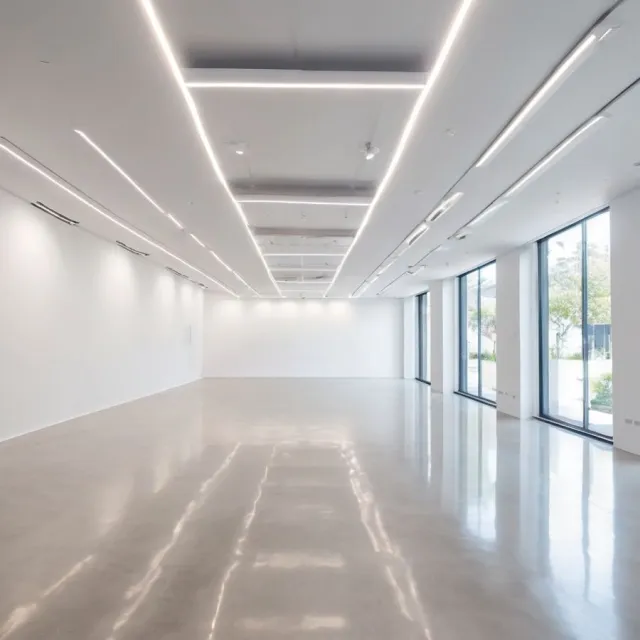
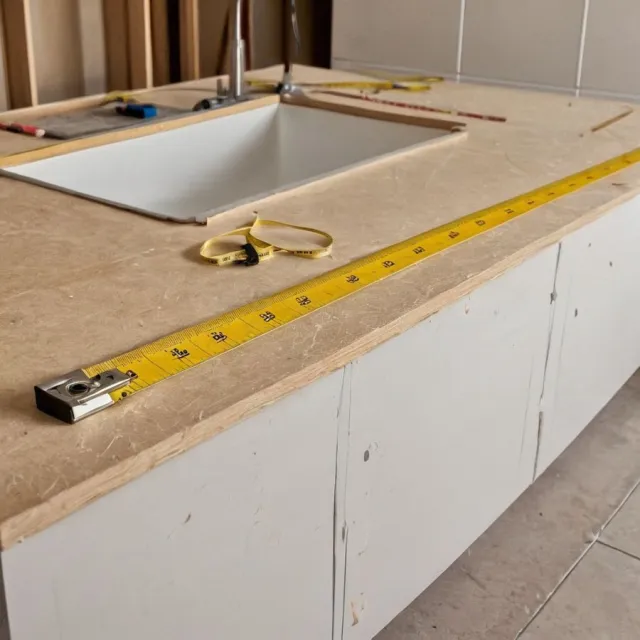
88 Congress Ave build-outBramble Coffee Co. · Austin
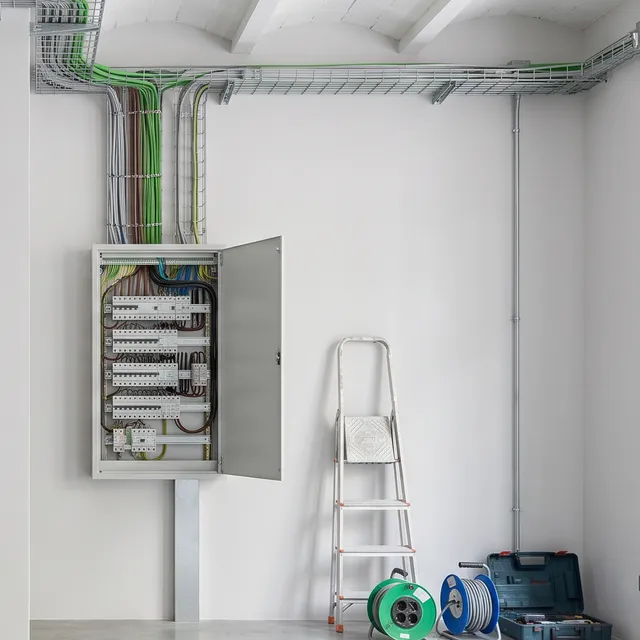
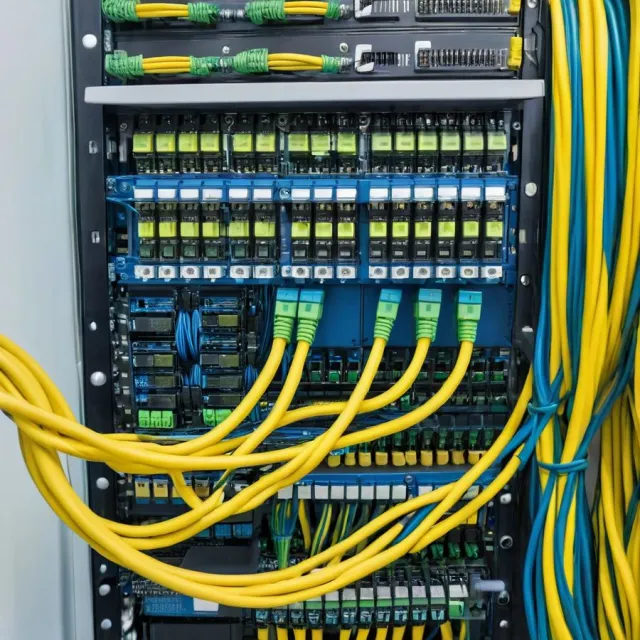

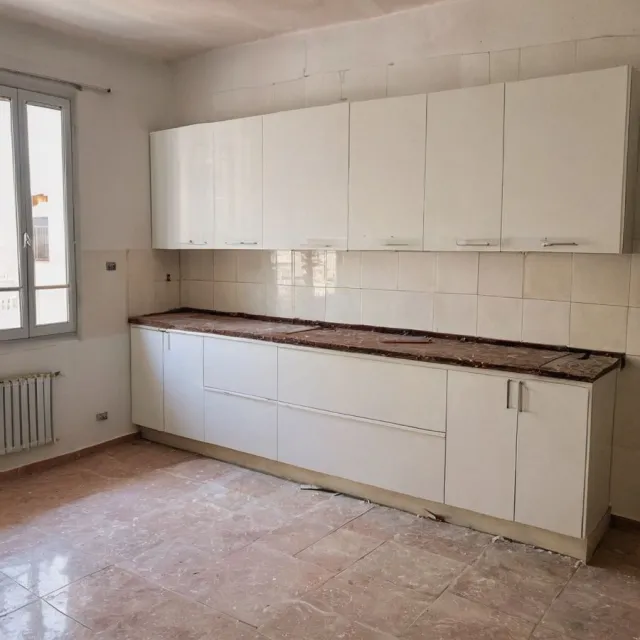
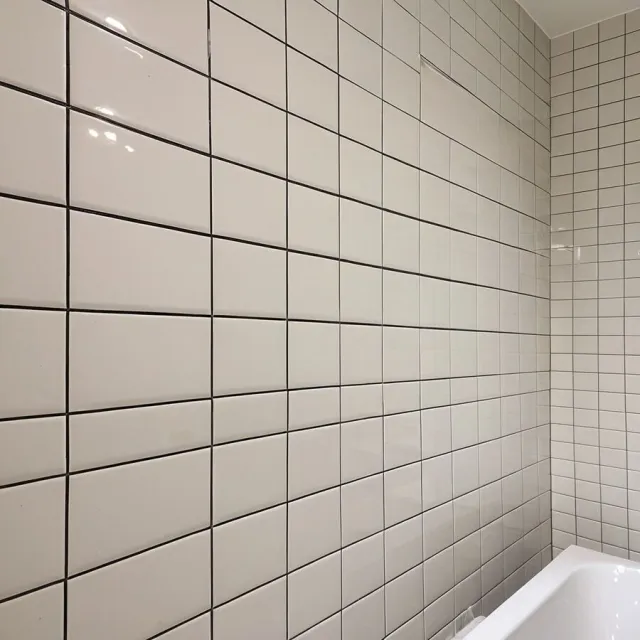
Hyde Park kitchenR. Coleman · Austin


Your photosStay in your gallery, outside obrapin





The job site you're on, your to-dos and what you've done today. The moment you open the app.
Photo, video, written note or scanned document: the delivery ticket comes out straight and readable. It all comes from the same button, and it all goes to its job site.
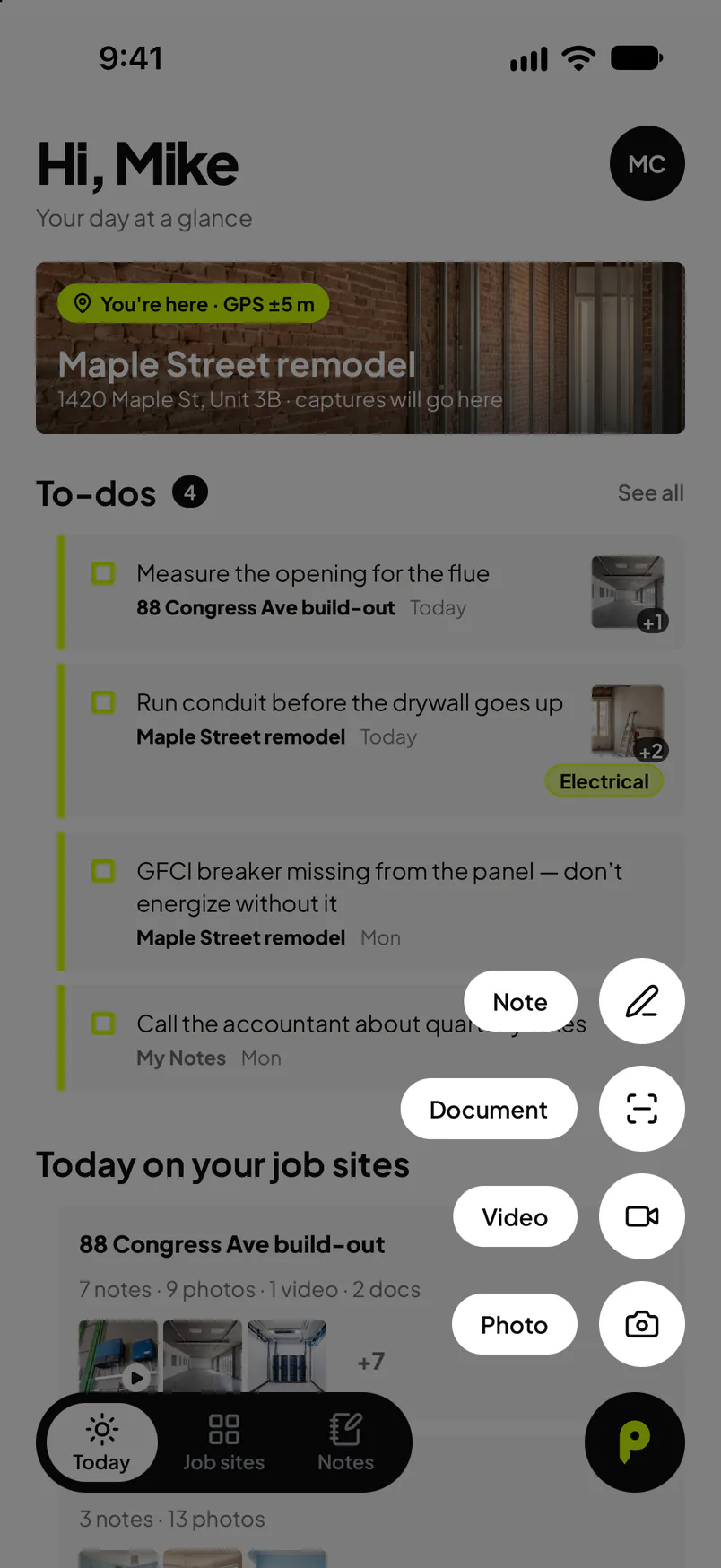
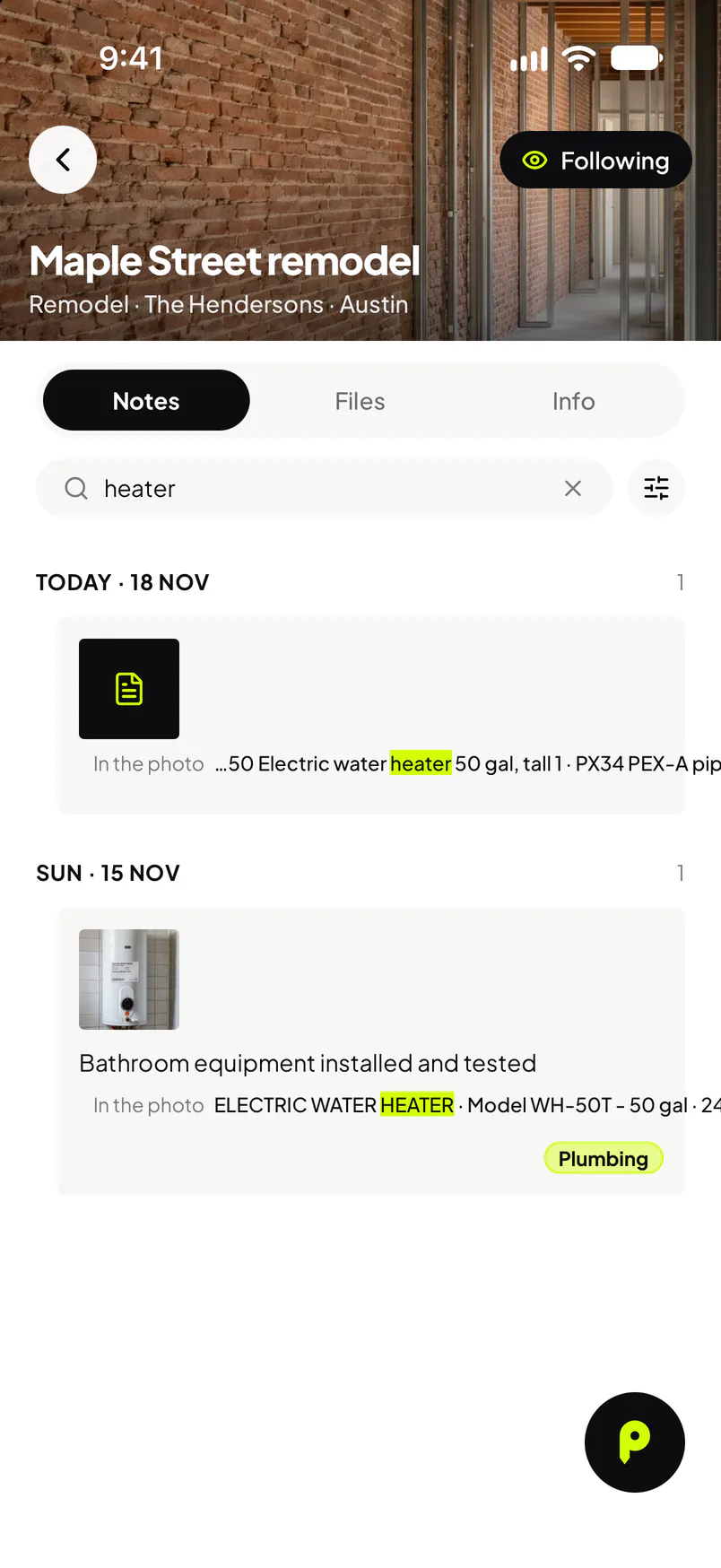
The app reads the text in your photos and scans: invoices, delivery tickets, serial numbers. Search for it and it shows up, ready to copy.
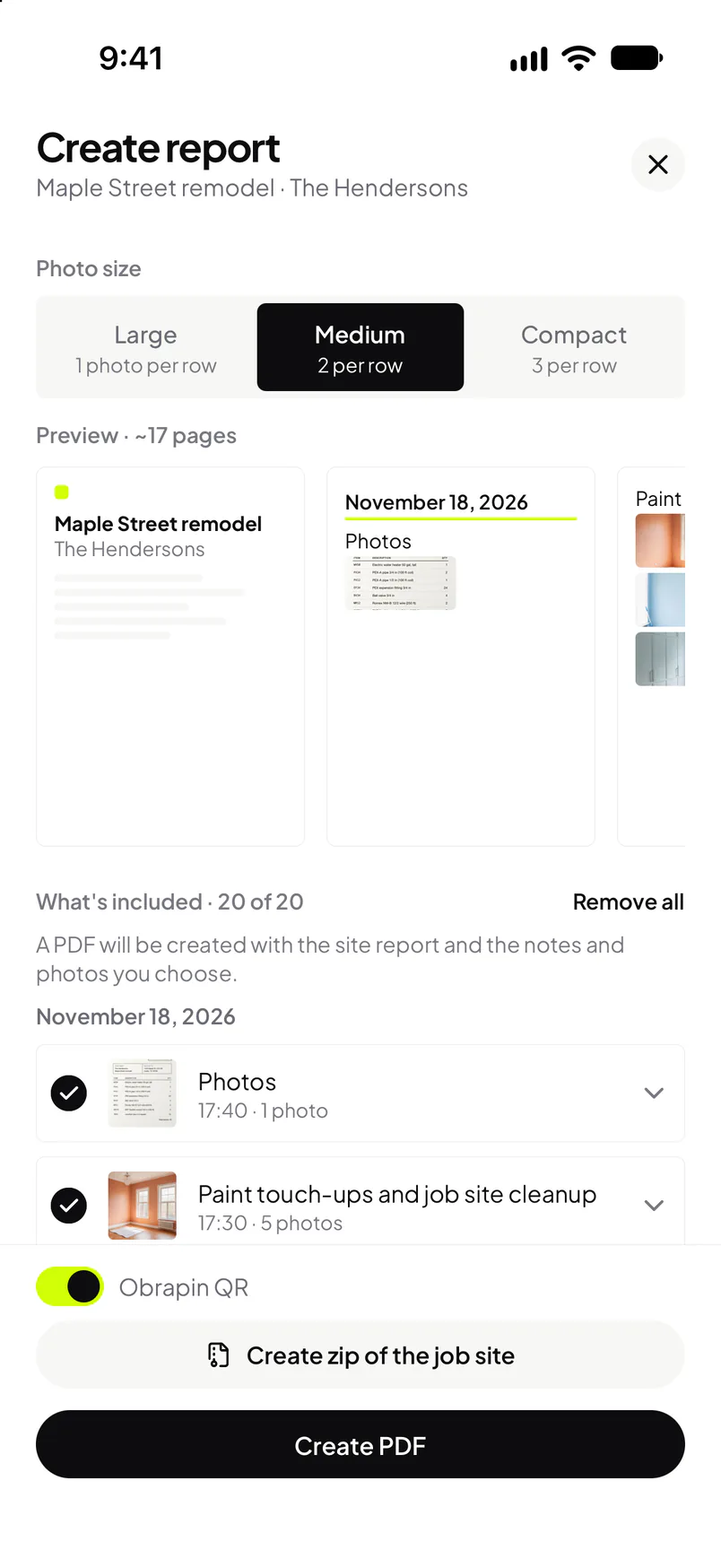
Pick the notes and out comes a PDF sorted by day, ready to send to your client.
Everything is saved to your account. Open it on another phone or on the office computer and it's all still there, each thing on its job site.
Sign in from your browser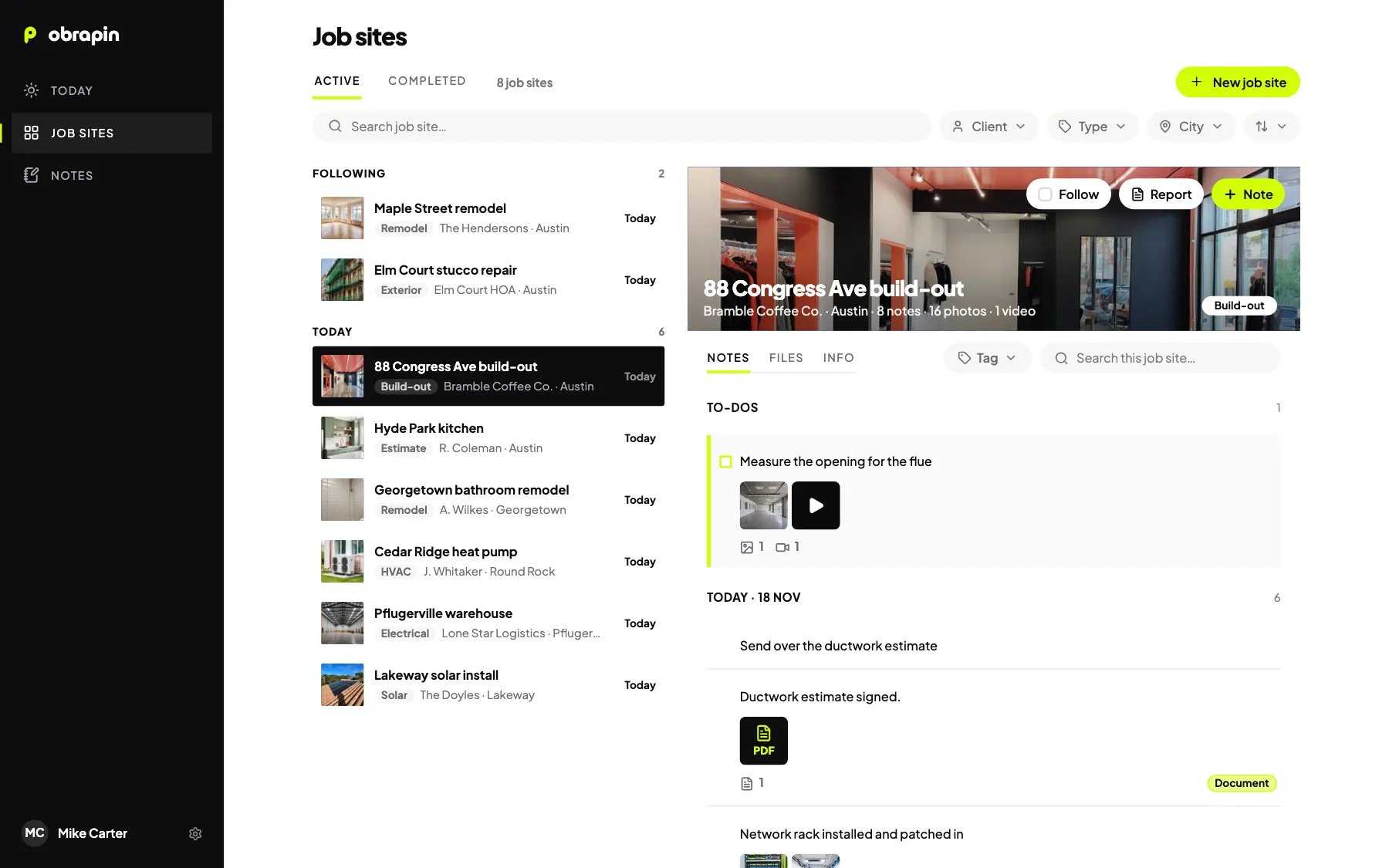
An electrician, a general contractor and a plumber tell you how they use it.
ElectricianOn site
General contractorHome under construction
PlumberOn a renovation
Recreations: the characters and voices are AI-generated.
The whole app, no card needed, and the days count from your first photo. If it works for you, carry on with Pro and keep everything.
Get the app
obrapin
Pro
Professional cloud storage: secure, private and with no end date.
Prices include taxes
Monthly
Billed every month
€11.99/mo
Yearly Save 25%
Billed €107.99 a year
€9/mo
No commitment: cancel whenever you want from the store.
*Subject to the Fair Use Policy. You get Pro inside the app.
Yes. The app is on the App Store and Google Play, and on a computer you sign in from the browser at app.obrapin.com with the same account: you see the same as on your phone, each thing on its job site.
No. What you capture with obrapin is saved in obrapin, on its job site, and your gallery stays yours. If a work photo is already in your gallery, you add it to its job site from the app.
It picks the nearest job site, and you can change it from the camera in one tap. If you have two job sites on the same street, you set each one's radius, from 100 to 500 m. Anything you capture away from every job site goes to “Unsorted”, to assign later.
Share them to obrapin straight from WhatsApp and choose which job site and which note they go to. The same from any other app.
With your first photo, video or document. As long as you're only writing notes, the clock doesn't start. That's 15 days with everything, no card needed.
Nothing gets locked all of a sudden. Until day 30 you can still see everything and write notes, but you can no longer add photos, videos or documents, and the cloud becomes a preview. From day 30, read-only. After 6 months the cloud copy is deleted; the one on your phone stays and, if you go Pro, uploads again.
On servers in the EU, backed up every day. It's yours alone: never sold, never shared and never used to train AI. It's all in the privacy policy.

Point your camera at it.Your phone's app store opens, no typing needed.